Guide
Read EPUB and PDF as facing pages on iPhone Duo
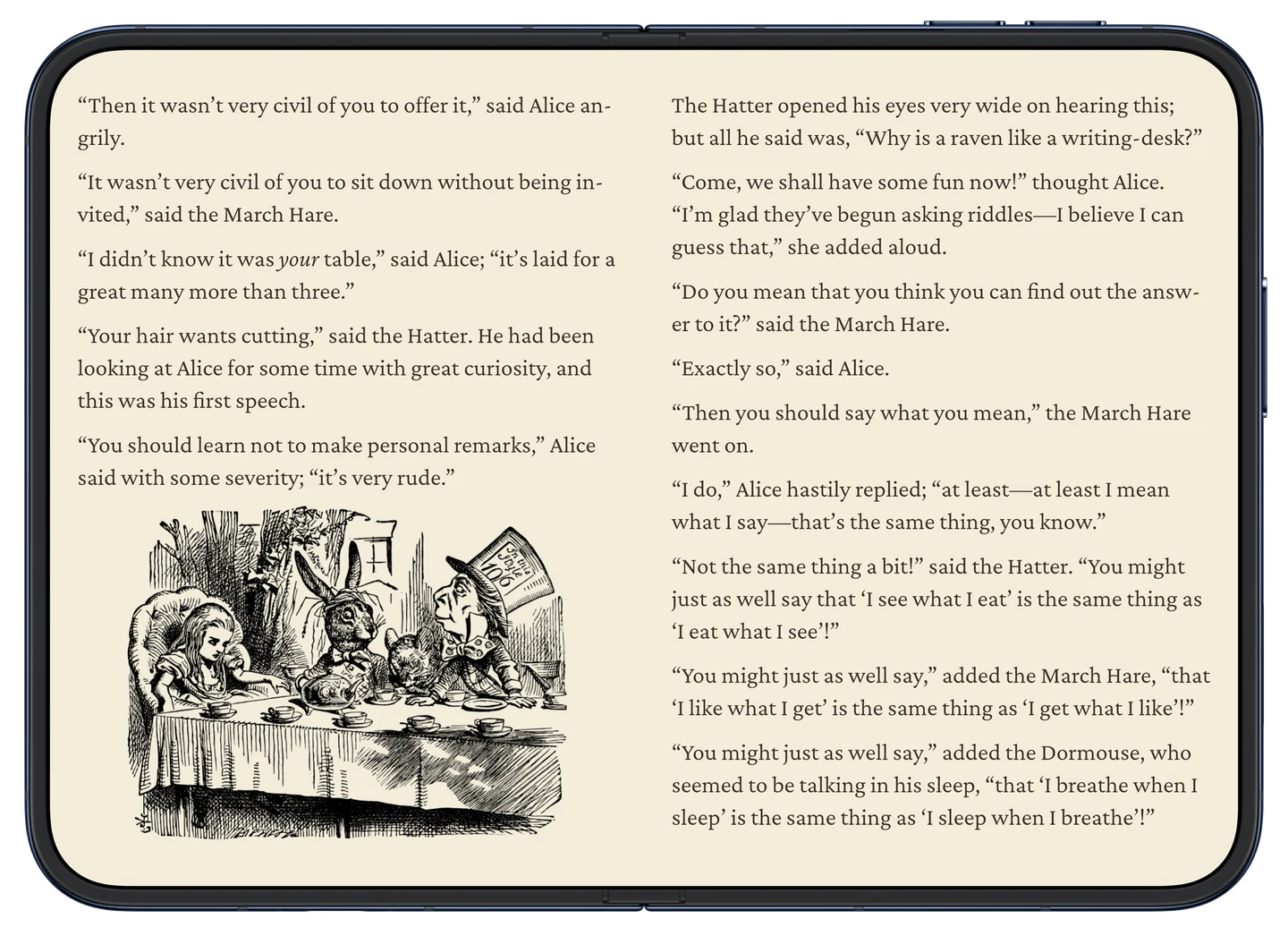
Open your iPhone Duo halfway through Alice’s tea party. On the wide inner screen, the Hatter’s riddle starts on one page and the conversation carries on across the spread. Here’s how to give your own books the same room.
Free, with no account. Facing pages are part of the free reader.
Choose one page or two
Open an EPUB on the inner screen and tap the middle of the page. Choose Appearance, then Layout. Under Page spread, select Automatic, Single page or Facing pages.
Automatic shows two pages whenever the screen is wide enough for them, and one page otherwise. Your choice is kept for that book on this device.
PDFs and comics
PDFs
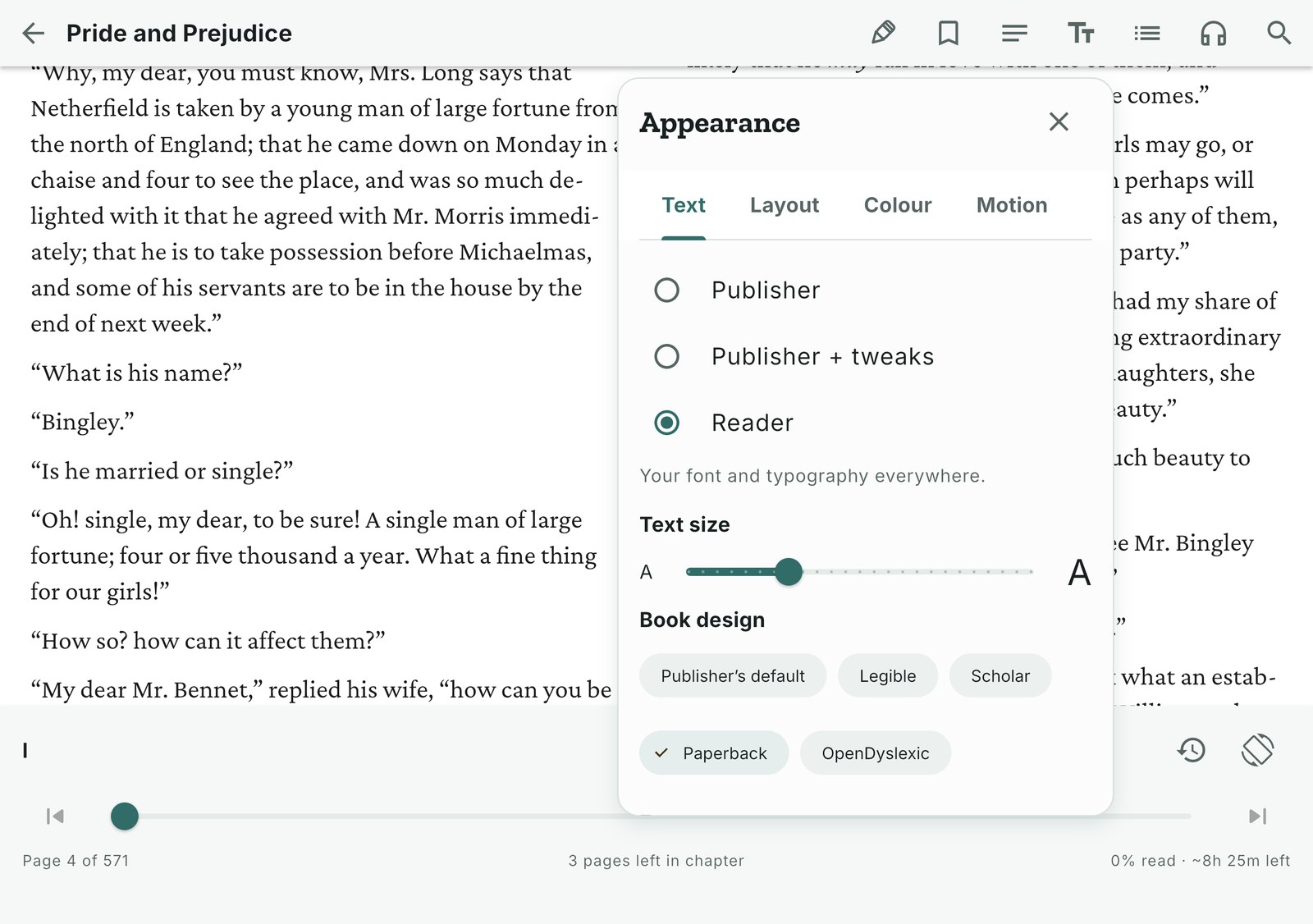
In a PDF, open Appearance and choose Facing pages under Page layout. It appears when the window has room for two pages. The cover sits on its own. Turn the page and the next two appear together, just as they would in a bound copy.
Comics
Comics open as spreads too. If a spread looks one page off, Shift pages by one pairs the cover with the next page. A spread printed as one wide image can be shown as is, split or rotated, under Wide pages.
Fixed-layout EPUBs
Picture books, cookbooks and textbooks designed page by page open as the publisher laid them out. A page the publisher placed on the left stays on the left, and the authored page is never reflowed.
Fold and unfold
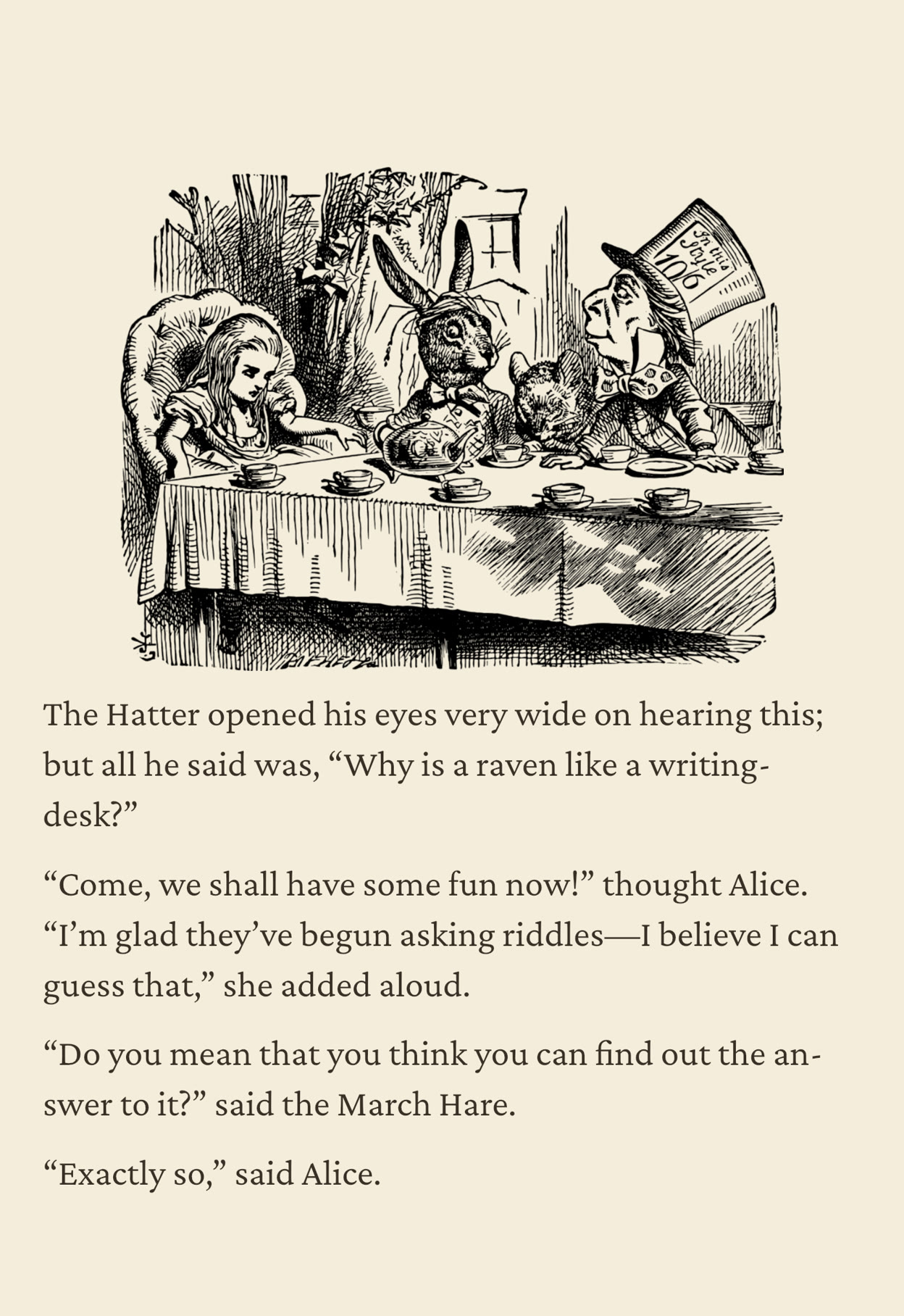
The page you were on continues on the cover screen as a single page, and unfolding restores the spread at the same place. Highlights, notes and pen ink stay where you put them.
If you’re reading beside another app in Split View, Tomelet shows one page. Give the reader the full width of the inner screen to see a spread again.
FAQ
Questions & answers
Do right-to-left and vertical books open the right way?
Yes. Spreads follow the book’s page direction, so Arabic, Hebrew and vertical Japanese books start on the right-hand page and turn leftwards.
Do I have to pay for two-page reading?
No. Facing pages on foldables are part of the free reader. Tomelet Sync, the paid subscription, adds private sync across devices.